We set up AI for Ontario law practices
Most AI waits for a question. ParaReview doesn't.
It reads every document in a matter, and the emails that come in, against what that kind of document should say in Ontario and Canada and the guidelines that apply. What is missing, what does not line up and what an email changed are flagged, each with the page it rests on, before anyone thinks to ask. A second set of eyes on every file, so your team gets more done with less to keep in their heads.
A private, encrypted server for your firm, hosted in Canada, with nothing to install. Never sent to an outside AI service. Never used to train an AI model.
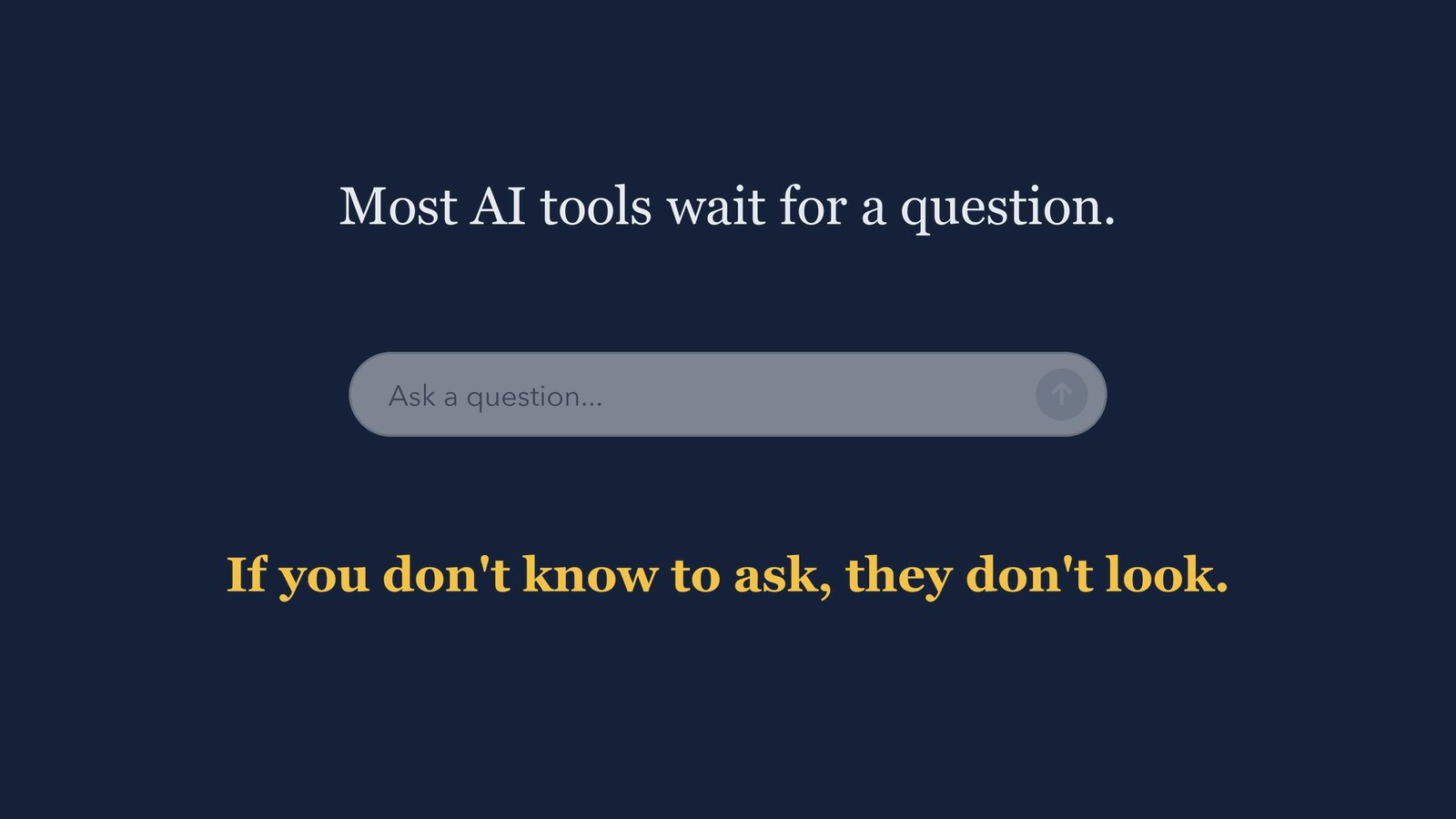
A still from the film.
Watch why ParaReview doesn't wait
A two-minute film on what ParaReview does without being asked: it reads every document, and every incoming email, against the matter's file, and says what it finds.
- No installation, no call, no salesperson
- Synthetic documents only, no client files
- Two minutes, watch it whenever you like
The recording plays right here once you press the button. We use your email to follow up once, if you want us to. We do not sell it, and we do not add you to a list you did not ask for.
The walkthrough is being finalised. In the meantime, write to info@parareview.ca and we will show you the review on a call.
Why it matters
The costliest claims start with what nobody asked.
Claims against Ontario lawyers cost LAWPRO more than $100 million a year. Nearly half come down to two causes: a communication that went wrong, and something in the file that nobody checked.
Across every area of practice, LAWPRO's costs have been over $100 million a year since 2016.
A communication that went wrong (25% of claims) and something in the file nobody checked (23%). ParaReview reads incoming email against the file, and checks the file without being asked.
18% of claims. The deadlines written in your documents come out as a calendar file, each with the sentence it was read from.
Source: LAWPRO annual reports and claims trends. Claims costs over $100 million a year since 2016; causes of claims by count and cost, 2014 to 2024.
What it does
It reads the whole file without being asked, and shows its work.
Every document is read against what that kind of document should say in Ontario and Canada, and the guidelines that apply. Then the whole file is read together: the documents against each other, and every email that comes in against them all. You see what is missing, what does not line up and what an email changed, each linked to the page it rests on. Real estate and conveyancing, wills and estates, corporate records, commercial leases, employment and family law: more than thirty kinds of document. Keep your software and your routine: point ParaReview at the files you want reviewed, as PDFs, scans, emails or a ZIP, and it gets to work, reading each new document and email as it arrives, checking it against the file and flagging what needs you.
No prompt needed
Each document is checked against its own checklist the moment it arrives. What it cannot find is said out loud, so a missing clause is a line in the memo, not a silence. On a mortgage file, it looks for the points the lender's instructions list for you to check, because the lender relies on you.
The whole file, cross-checked
Documents are compared with each other, and incoming email is read against them: a new date, a new figure, new payment instructions, or a sender whose address only looks like one the file already uses.
Deadlines and undertakings, tracked
The dates your documents set, and the undertakings and promises in your email with the day each falls due, are listed across every matter, soonest first, and come out as a calendar file you open.
It shows where it read it
Each finding names its page, and anything it puts in quotation marks is the document's own wording, so checking its work takes a click, not a re-read. It flags; you decide.
How it runs
You are not buying a seat on somebody else's AI.
A private, encrypted server for your firm
We set up your firm's own server in Microsoft's Canadian data centres, encrypted at rest and in transit, with your files kept apart from every other firm's.
Nothing to install or look after
It runs in your browser. We keep the service running and up to date, so there is no software to install, patch or maintain in your office.
Nothing is pooled, no model is trained on it
Your files are never sent to OpenAI, Google or Anthropic, never mixed with another firm's material, and never used to train an AI model, ours or anyone's. The software itself keeps getting better as new kinds of documents and problems come up.
A real model, inside your firm's deployment
The model runs on a graphics processor in Canada as part of the service we run for your firm, not as a call out to somebody else's AI.
Where your documents go
Never to an outside AI service. Never used to train a model.
Your documents are not sent to OpenAI, Google, Anthropic or any other outside AI service. The model runs inside your firm's deployment rather than as a call out to somebody else's. Nothing you review is used to train an AI model, and no firm's material is ever pooled with another's. The software itself keeps improving as we meet new kinds of documents and new problems to solve, and that work is done in our own product, never by training a model on your files.
Hosted by us, your documents are read in Microsoft Azure in Canada and kept apart from every other firm's. There is nothing to install, and the service is kept running and up to date for you.
Built in Toronto. The review runs in Microsoft Azure in a Canadian region.
How practices run it
Hosted by us, in Microsoft Azure in Canada
- Nothing to install. It runs in your browser.
- Read in Microsoft's Canadian data centres.
- Your firm's files kept apart from every other firm's.
- Kept running and up to date for you.
Other arrangements, on requestFor a practice with a specific requirement, and the hardware it needs
Reading a document well takes a capable graphics processor. Hosted, that is ours to provide and keep current. On your own premises, your hardware has to supply it, which is why these are arranged case by case.
In your firm's own Azure subscription
The same service, run inside your firm's own Microsoft Azure subscription in Canada. Our administrative access is scoped by role and written to your tenant's logs, and you can read that log and revoke the access at any moment, without our cooperation.
On your own Mac or Windows PC In preparation
A program you run on a computer in your own practice, so the reading happens on your machine rather than in any data centre. It needs a computer with a capable graphics processor, and not every office computer has one.
On a machine in your office In preparation
A dedicated computer with a graphics processor capable of running the model, set up by us. No cloud account, no internet needed to work, and nothing leaves the building at all.
What it does not do, by design
It does not advise, and it does not decide.
It does the careful first read of every page, and keeps track of what is missing, what an email changed and what falls due, so your time goes to judgment rather than to finding the clause, and there is less to keep in your head. It is a first pass that you check, not a final answer. Like any first pass it can miss things, which is precisely why each finding names its page, so checking its work is quick, and why the final review is always yours.
Built around your professional obligations
An answer to the LSO's own concerns, by design.
The Law Society of Ontario permits AI under a duties-based framework, not a ban: maintain competence, protect client confidentiality, supervise the work, and do not let a tool provide legal advice. This system is built to support exactly those duties.
- Confidentiality. Your documents are never handed to an outside AI service, never used to train an AI model, and stay in Canada. That is a direct answer to the confidentiality duty and to the LSO's concern about the unintended spread of confidential information.
- Competence and supervision. Each finding names its page and every judgment is left to you, so the work stays supervised and verifiable.
- No unauthorized advice. It never advises and never decides. It surfaces facts from the document for you to act on.
How we work
We set it up on your own files, then run it for you.
- 1We learn your practiceOne call about your files and how you check them
- 2A seven-day pilotOn your own files, before you pay anything
- 3It goes liveHosted for you, nothing to install
- 4We stay with youA named contact who knows your practice
Watch the recording first. If it looks like it would earn its keep, we spend a call learning the documents you handle and how you check a file, then run a seven-day pilot on your own real files, before you pay anything. Your reviews and notes stay yours either way, and you check every output regardless, because that is what a first pass is for.
We set up each practice ourselves, one at a time, rather than through a self-service signup. After it goes live you deal with a named contact who knows your practice, not a help desk, and it keeps improving as new kinds of documents come up. It is offered first to a small number of Ontario practices, so your input shapes it directly.
Ask about a pilotCommon questions
Plain answers about how it works.
Where do the documents go?
Never to an outside AI service, never used to train an AI model, never pooled with another firm. They are read in Microsoft Azure in Canada, on the service we host for you, with your firm's files kept apart from every other firm's.
Is it software, or a service?
A service. We set it up for your practice, configure it for the documents you handle, run it for you in Microsoft Azure in Canada, and stay with you after it goes live. You deal with a named contact who knows your practice, and there is nothing for your office to install or maintain.
Who can see our files?
Your firm. Your files are kept apart from every other firm's, never shared with an outside AI service, and never used to train a model. We run the service for you, and our access is there to keep it running: we do not open a client's documents unless you ask us to, for example to look at a review together. A practice that needs it can also have the service run inside its own Azure subscription, where our access is logged in the firm's own records and the firm can withdraw it at any time.
Does it fit the Law Society of Ontario's AI guidance?
It is built around the LSO's duties: confidentiality (never given to an outside AI service, never used to train an AI model, and kept in Canada), competence and supervision (each finding names its page, quotes only the document's own words, and leaves judgment to you), and no unauthorized advice (it flags and cites, never advises or decides).
What does it review?
Every document in a matter, more than thirty types in all: real estate and conveyancing (agreements of purchase and sale, status certificates, mortgage commitments, lenders' instructions), wills and estates, corporate records and share purchases, commercial leases, employment agreements and family law agreements. It also reads the emails that come in, saved into the matter's folder or from a connected Microsoft 365 mailbox with read-only access, against the documents in the file, and lists the undertakings and promises they make with the day each falls due.
What if it misses something?
It will, sometimes, which is why it is a first pass and not a final answer. Each finding names its page, and its quotations are the document's own words, so checking its work is fast, and the parts a computer should not judge are handed to you marked as yours to decide.
Can a document trick the AI?
A document can carry text a person never sees: white on white, a font too small to read, or a line placed off the page. Someone could use it to slip instructions to an AI. In a digital document, ParaReview looks for text like that, quotes it with its page, and lists it first among what needs your attention. It flags it; you decide.
From the blog
Where the time goes, and what AI changes.
Canada's productivity problem is a small-firm problem
Canada produces less for each hour worked than it should, and the gap is widest in small businesses. For the small practices that make up almost all of Ontario's law firms, AI is the first tool in a generation that can change the arithmetic.
Read the postFounding practices
Taking on a few Ontario practices first.
If you want your own AI second set of eyes on every file, so your team gets more done with less to keep in their heads, book a 30-minute demo on one of your own files. Founding practices help shape it and lock in founding terms.
Book a 30-minute demoOr write to info@parareview.ca